
















AI Summary
- Thread outcome feedback keeps positive or negative responses tied to completed work and can support reusable patterns, evaluation, and recovery.
- Workspace memory can carry structured, permission-aware context from completed threads into later work.
- Home-page recommendations can surface up to three relevant next actions based on recent work, usage, onboarding, and recommended capabilities.
- HubSpot email operations help teams build and review governed marketing email drafts in a connected portal while publication remains approval-bound.
Marketing work moves faster when teams can learn from completed outcomes, carry useful context forward, and find the next action without starting over.
This release improves those parts of the workflow in distinct ways. Thread outcome feedback and workspace memory strengthen the learning loop between completed work and the next request. Home-page recommendations help work continue faster by surfacing the next relevant action. HubSpot email operations help teams that use HubSpot move approved campaign direction into reviewable email drafts faster.
Across the release, the focus is practical: preserve what the team learned, reduce repeated setup, make the next step easier to find, and accelerate email execution in the system where HubSpot teams already work.
Give feedback where the work finishes
Teams improve execution when the result and the response to it stay connected. Moving feedback into another document or channel separates the lesson from the work that produced it.
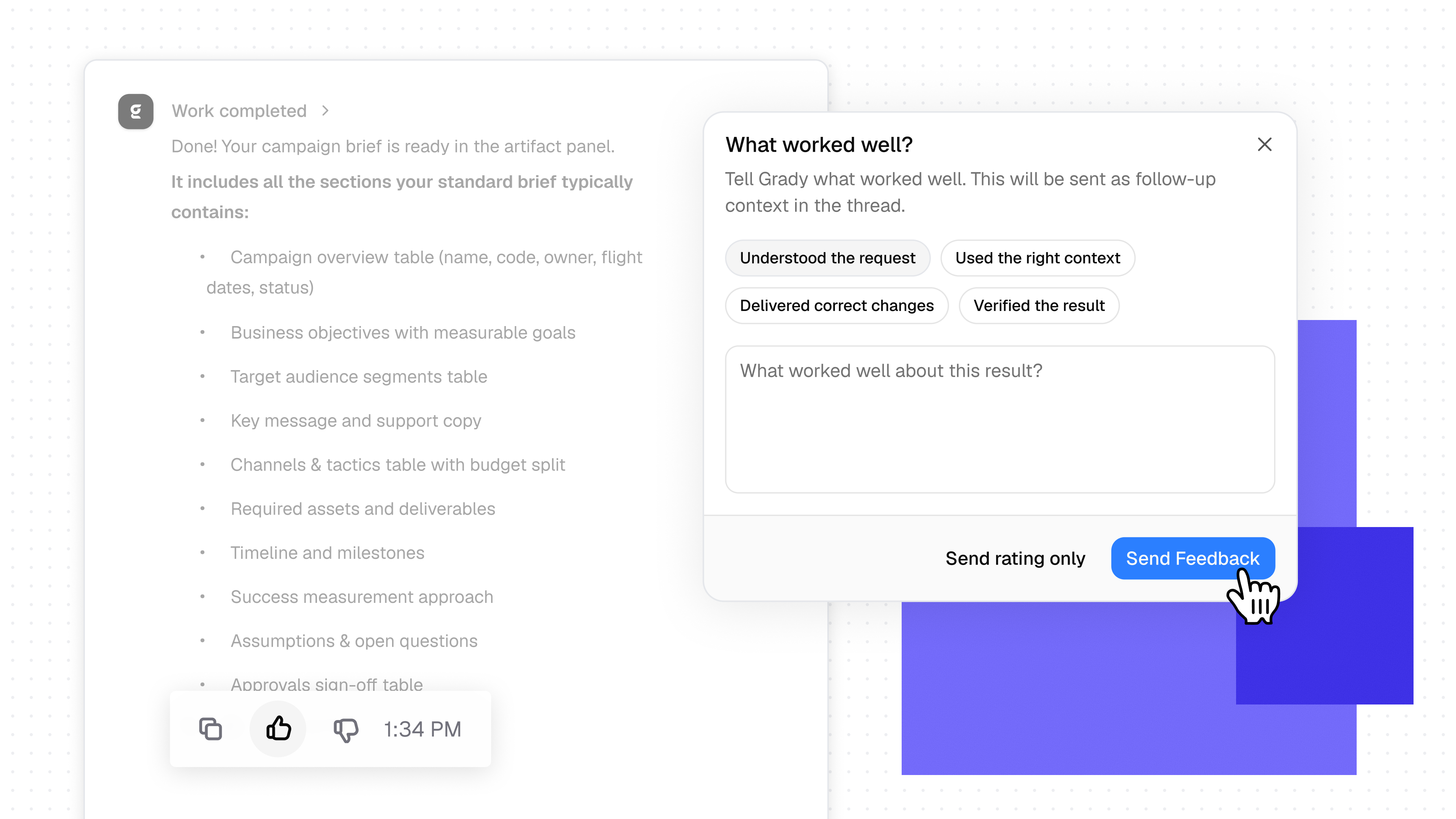
Thread outcome feedback keeps that signal inside the completed thread. Users can mark the work as good or bad and add an optional explanation of what worked or missed the mark.
- Keep feedback traceable. The response remains part of the thread history.
- Identify reusable patterns. Positive feedback can highlight approaches worth repeating.
- Create examples for improvement. Negative feedback can support evaluation, product improvement, and an agent recovery loop.
Carry useful workspace context into the next thread
Teams should not have to restate the same decisions, approaches, and workarounds every time a new thread begins. That repetition slows the work and increases the chance that important context gets lost.
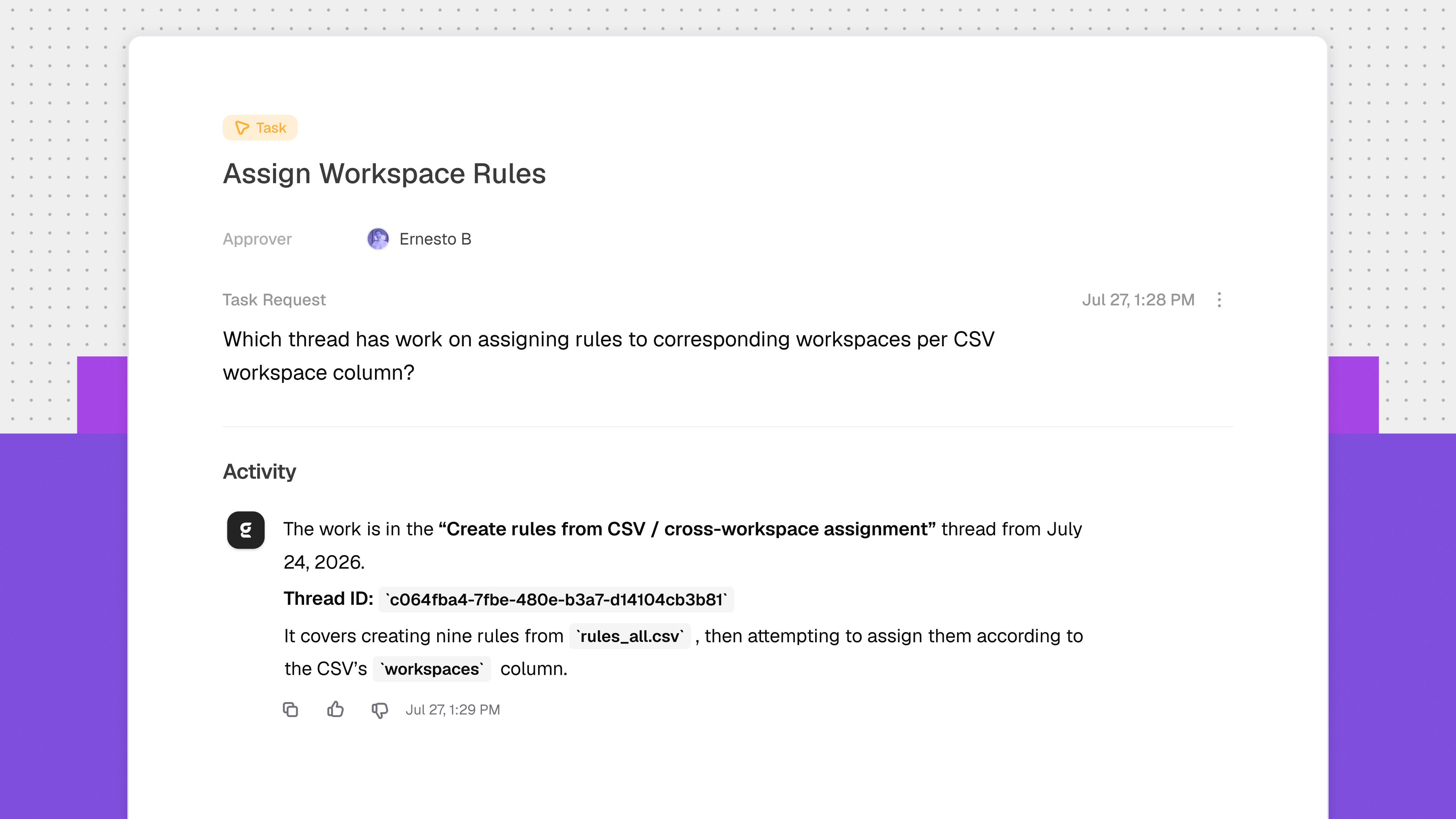
Workspace memory gives Gradial a structured way to carry useful knowledge from completed threads into later work. Grady can receive relevant memory in context while preserving human attribution and permission-aware references to visible source threads.
- Continue across threads. Reuse workspace knowledge without copying the full history into every request.
- Preserve the source. References can show a deduplicated list of visible source threads.
See the next action that matters on the home page
The next useful step is often already present in recent work: a task needs attention, a review is ready, onboarding is incomplete, or a relevant capability can help. Finding that signal should not require another search across threads and systems.
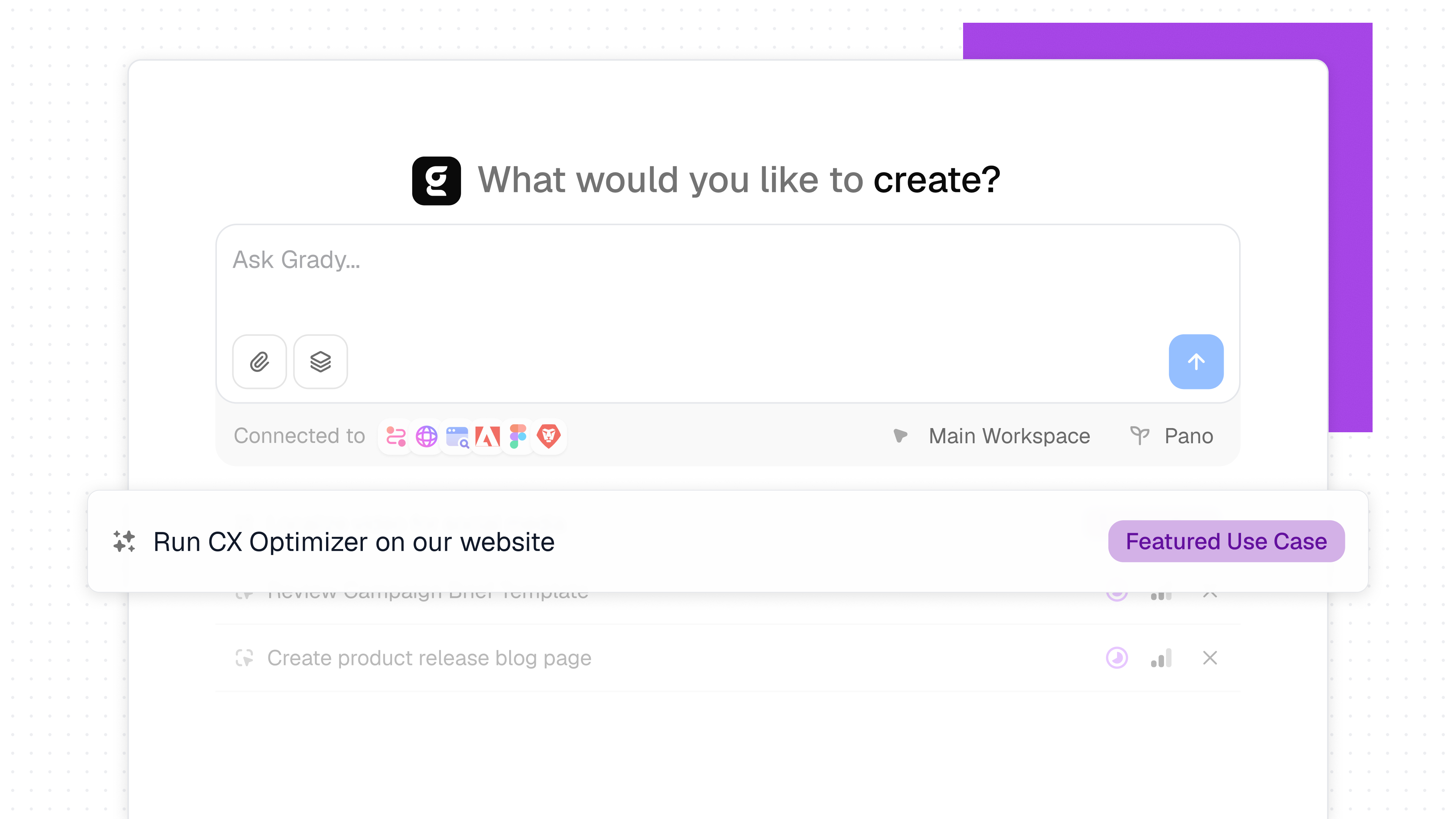
Home-page recommendations can surface up to three focused suggestions below the composer. Recommendations can draw from recent work, organization usage, onboarding state, and Gradial-curated highlights while respecting the data and actions each user can access.
- Return to active work. Resurface threads and tasks that need attention or are ready for review.
- Start from a useful suggestion. Populate the composer or route directly to a relevant page.
- Keep the list focused. Suggestions remain stable through the day, refresh over time, and can be permanently dismissed.
Build governed HubSpot email drafts through Grady
Turning an approved campaign brief into a branded marketing email still requires work inside the system of record: selecting the right template, updating copy and imagery, checking links, reviewing the render, and confirming the intended audience.
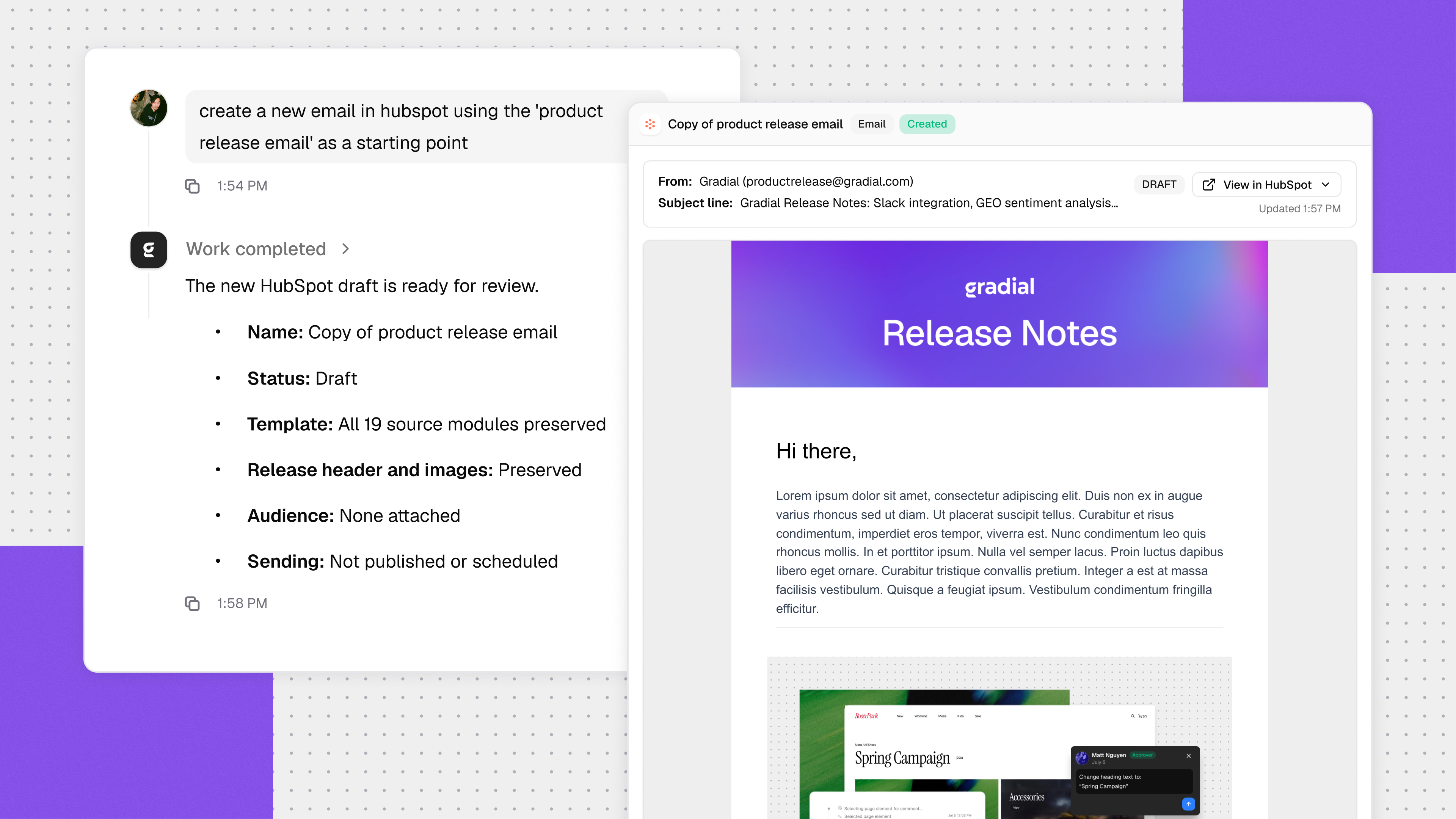
HubSpot email operations give teams a conversational way to coordinate that work through Grady while HubSpot remains the connected system of record. Gradial can turn an approved brief into a draft, reuse an existing branded template, update supported text, buttons, images, and image links, and produce a reviewable rendered artifact.
- Move from brief to draft. Build the marketing email inside the connected HubSpot portal.
- Reuse the approved pattern. Start from an existing branded HubSpot email template.
- Coordinate audience setup. Discover or create a supported HubSpot audience and attach it to the draft when requested.
- Keep approval separate. Publishing requires explicit human approval and validation of the final content.
Four ways to keep work moving
These capabilities address different sources of operational drag across the work:
- Thread feedback turns completed outcomes into signals the team can repeat or improve.
- Workspace memory carries useful knowledge from prior work into the next request.
- Home-page recommendations surface the next relevant action so work can continue faster.
- HubSpot email operations help teams that use HubSpot build and review marketing email drafts faster in their connected system of record.
Together, they help teams spend less time recreating context, searching for the next step, and manually assembling email drafts. Gradial handles more of that operational work while people keep control of direction, review, and approval.
Get started
Contact your Gradial team to get started with these capabilities. If you are new to Gradial, request a demo to see how Gradial connects context, governance, and execution across enterprise marketing.
You can also explore the Gradial platform to learn how people and agents coordinate work across the systems your team already uses.
Get the latest from Gradial
Product releases, execution insights, and real-world use cases from the Gradial system of work.