

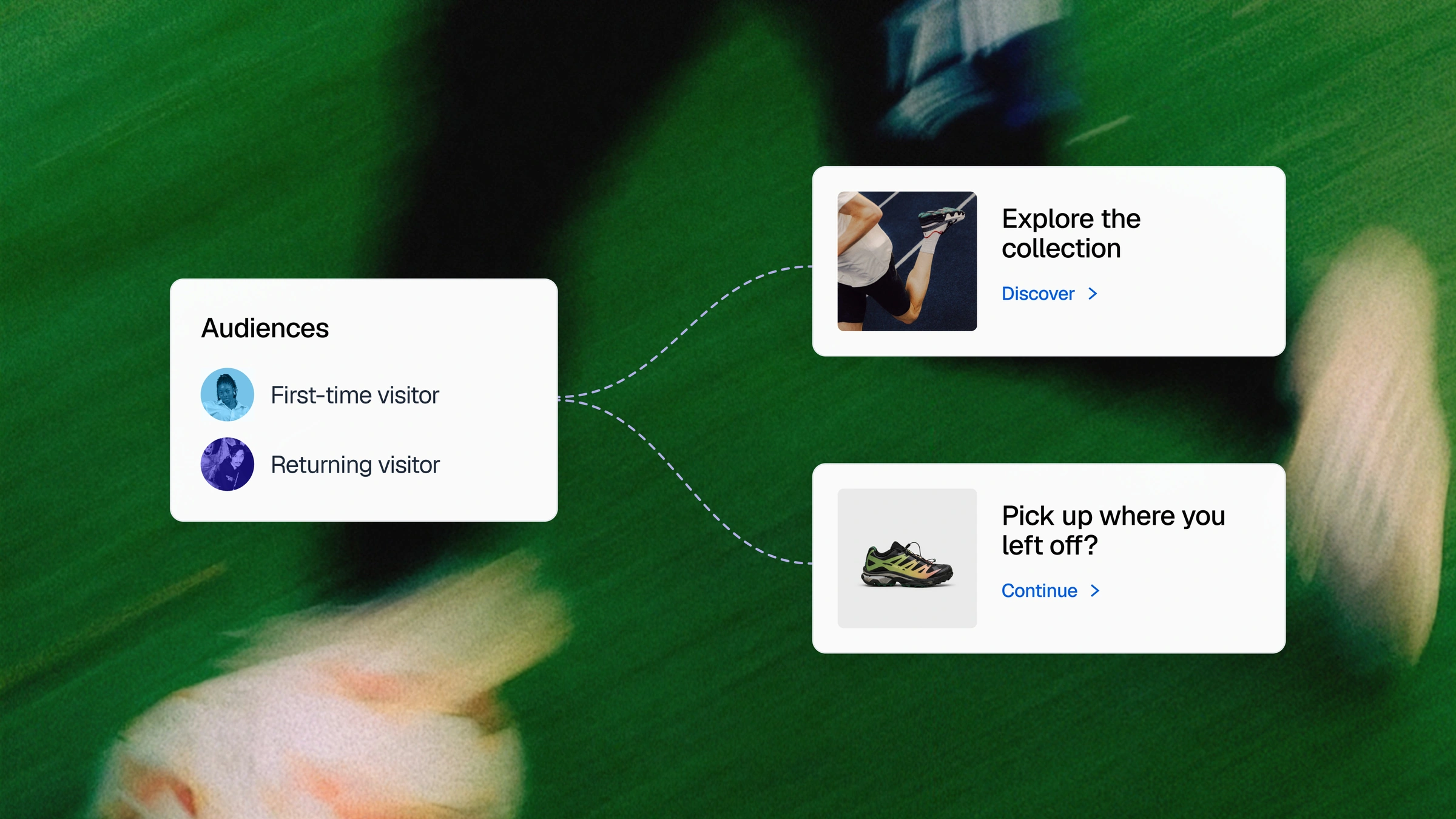
Define who sees what
Describe your audience to Grady. Turn campaign signals, tracked behavior, and imported audiences into targeting rules, with priorities for overlaps and a default for everyone else.
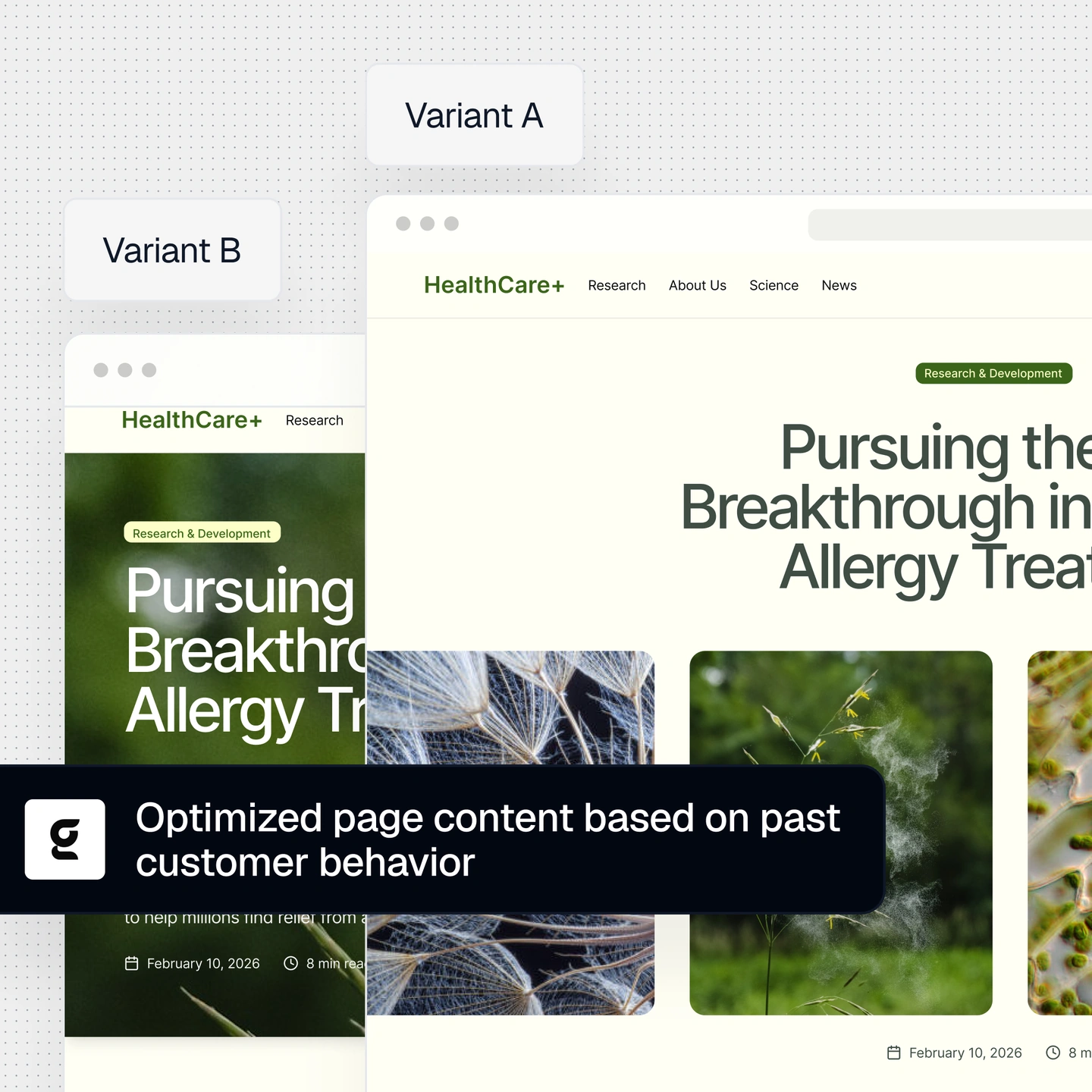
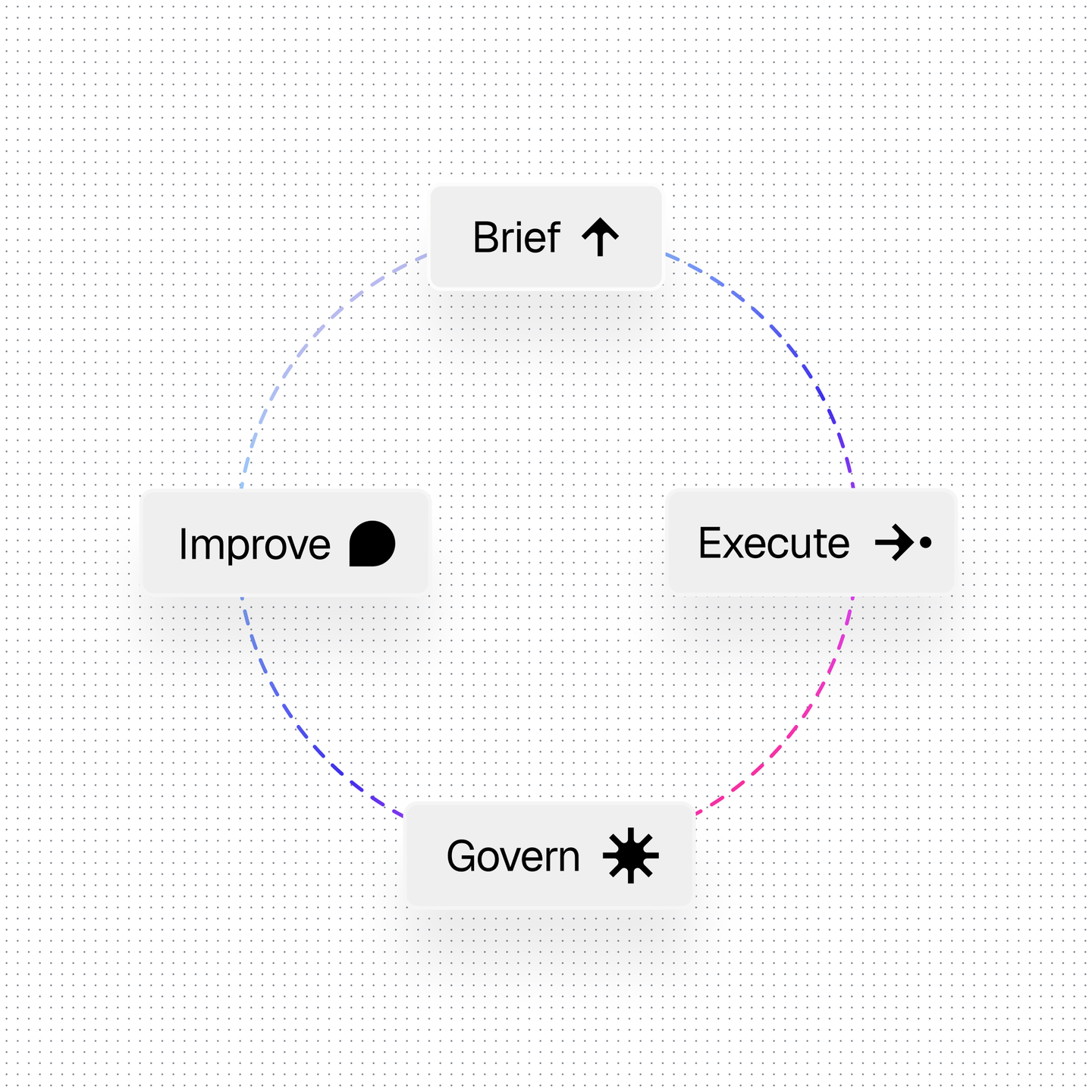
You have the audience strategy, so don’t let the work of building every variation limit how far it goes. Grady turns your brief into supported targeting rules and page variations, then prepares the experience for review. You steer, Grady builds, and you decide what goes live.
Connect audience targeting, content assembly, testing, and measurement in one workflow. Your team directs the experience, and Grady handles the setup and assembly.
Describe your audience to Grady. Turn campaign signals, tracked behavior, and imported audiences into targeting rules, with priorities for overlaps and a default for everyone else.
Grady assembles approved headlines, imagery, customer stories, and calls to action into page variations. Review how the pieces work together before anything goes live.
Deliver a specific experience to an audience, or compare alternatives with A/B and A/B/n testing. Test personalized content against the default within the same audience to learn whether it improves results.
Verify targeting and tracking before launch. Review conversions, test results, and evidence strength, then decide what to refine, keep testing, or make the default.
Where someone came from, what they’ve explored, and the audience they belong to can help you shape what they see next.
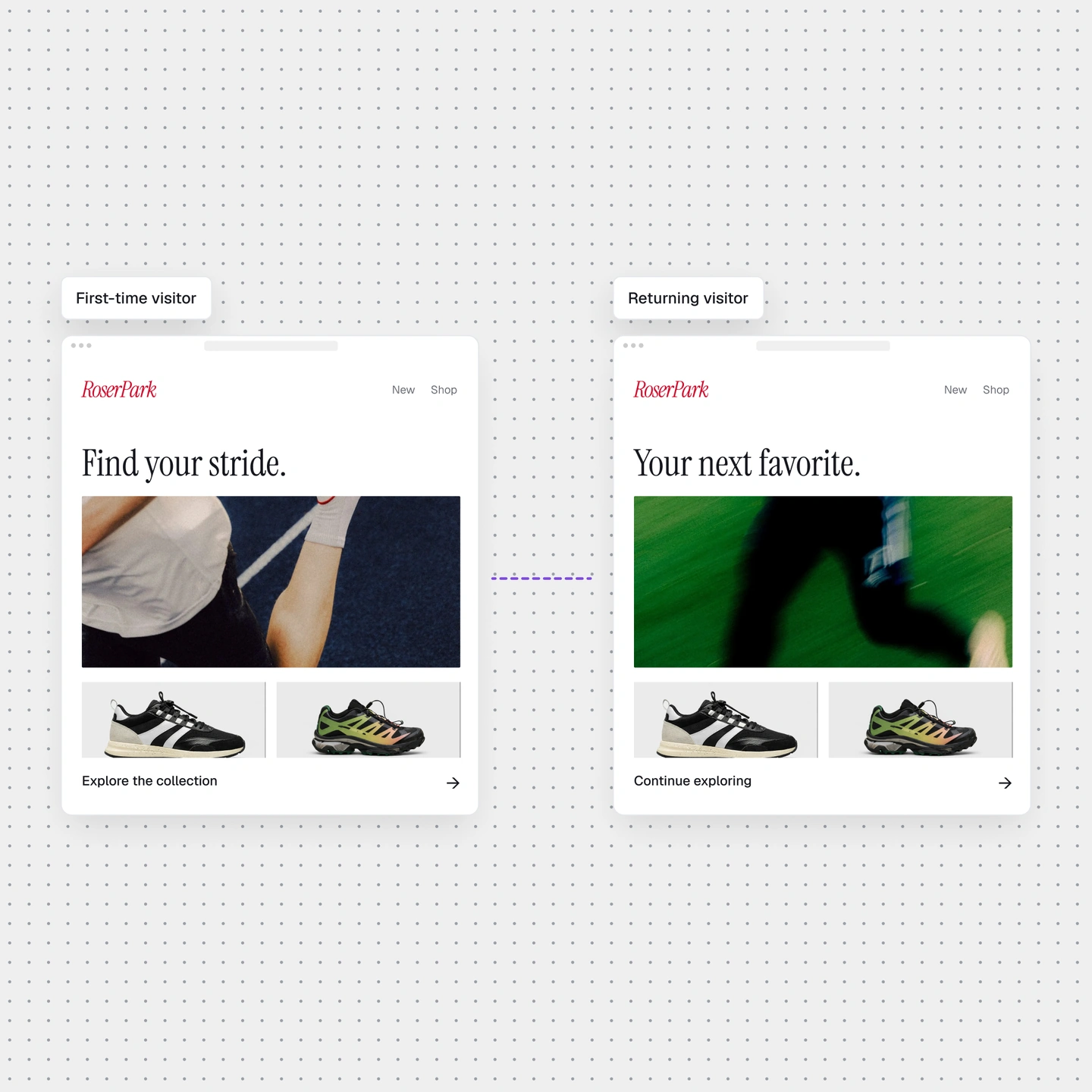
They clicked for a reason. Carry the webinar or partner message onto the page with a matching headline, relevant proof, and the offer they came for.
They’ve visited pricing several times. Give them something that helps them decide: a relevant customer story or an invitation to see the product in action.
Use imported audience lists from your CDP or another system. Give each group a message, offer, and call to action that speaks to their needs.