

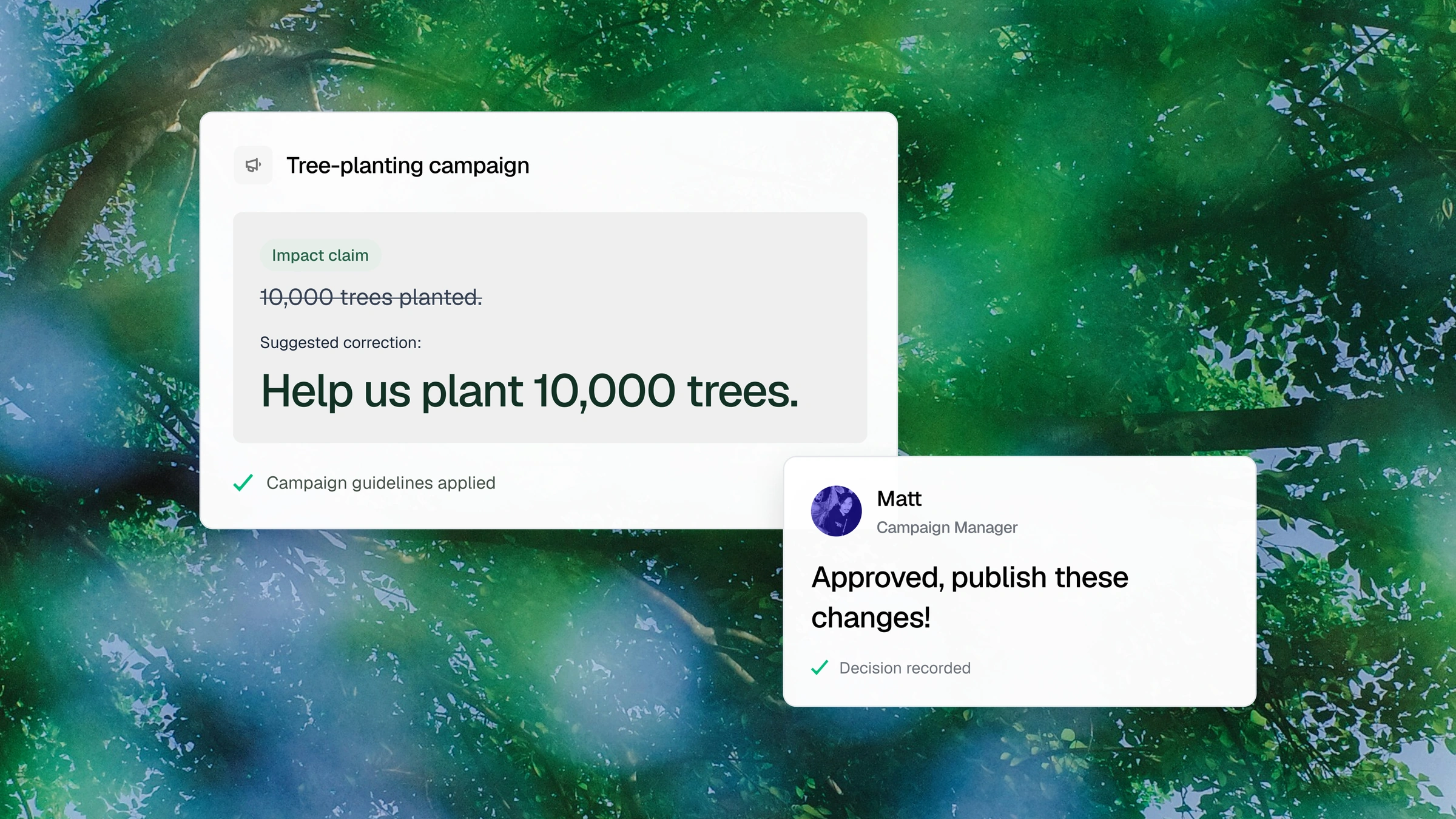
Maintain a versioned library
Store brand standards, compliance requirements, and workflow instructions in a versioned library.
Every page, campaign update, and content variation carries requirements. Gradial connects the guidance, checks, permissions, and approvals that govern the work, with a record of the decisions behind it.
Give Grady the brand standards, compliance requirements, and workflow instructions your team works by. Apply the right guidance across your organization or to a specific workspace, while your team controls what changes.
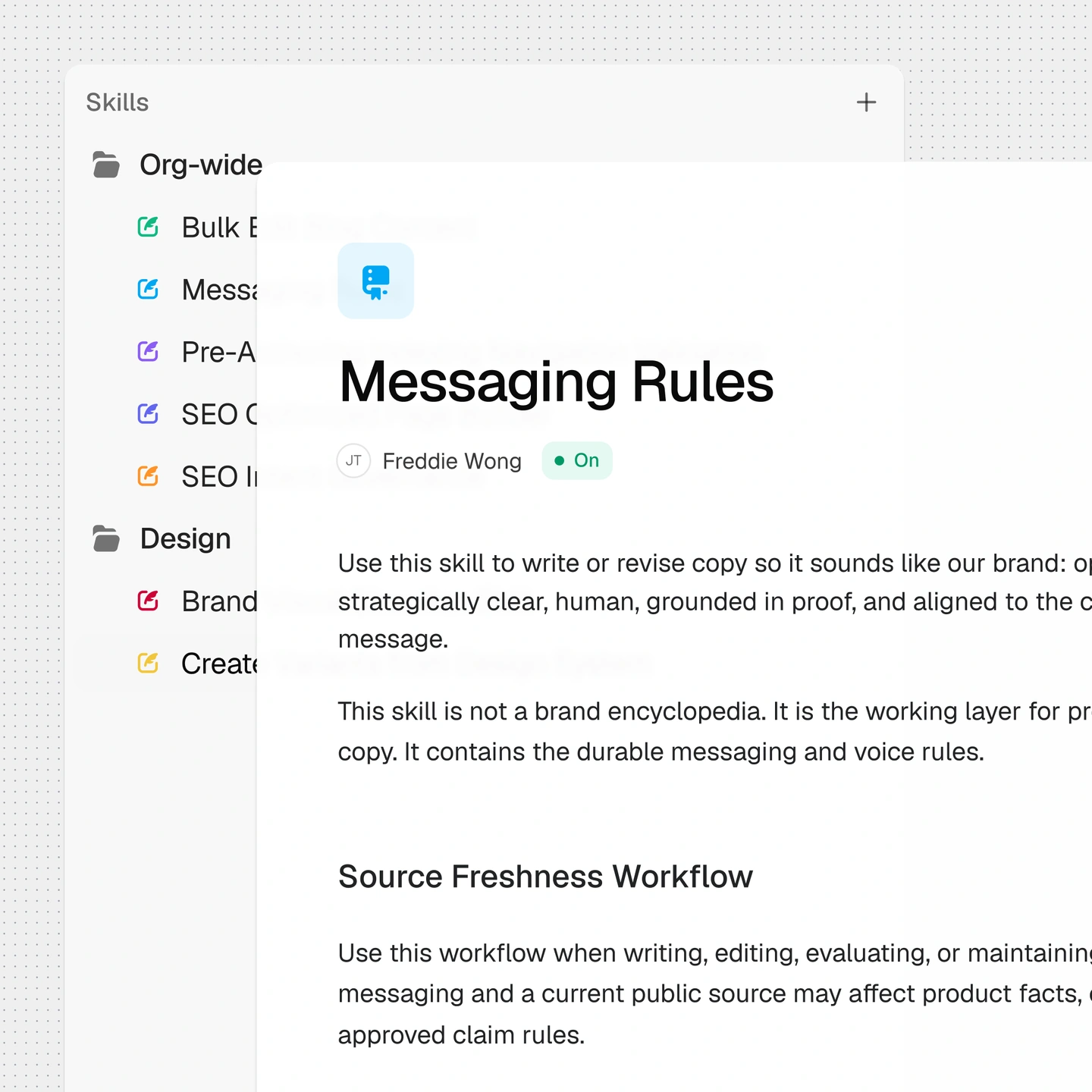
Store brand standards, compliance requirements, and workflow instructions in a versioned library.
Apply standards across the organization or to a specific workspace. Specify which agents and integrations each guideline applies to.
Grady uses the guidance your team has enabled for the task. Your team maintains the standards and controls who can change them.
Surface issues before they slow down approval. Automatically fix flagged issues and rerun checks, making human-in-the-loop reviews even faster.
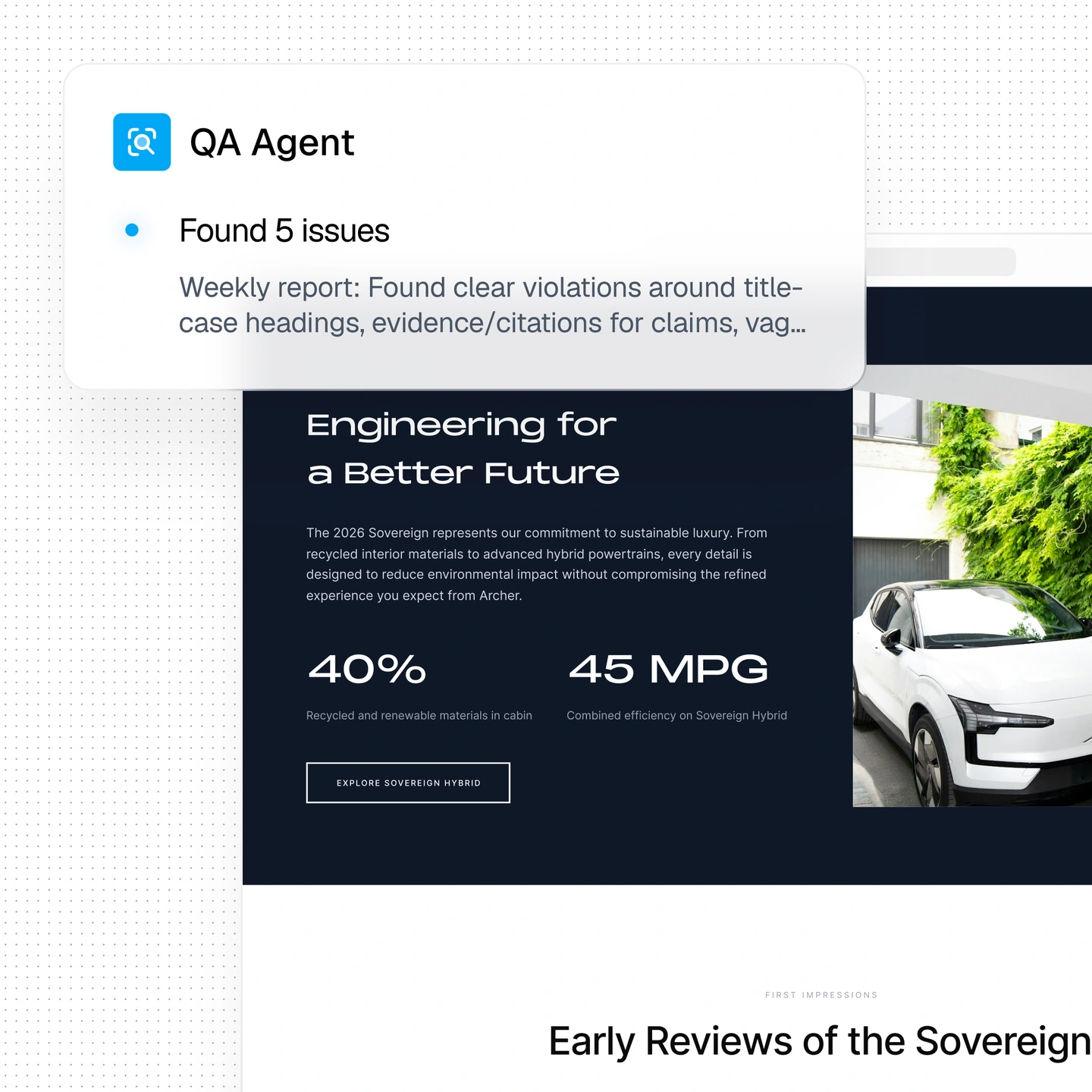
Gradial automatically checks outputs against your active brand, editorial, SEO, compliance, accessibility, and functionality rules before human review.
QA Reports show what passed, what needs fixing, what requires human judgment, and resolution guidance. Accessibility Reports evaluate against WCAG 2.2 AA.
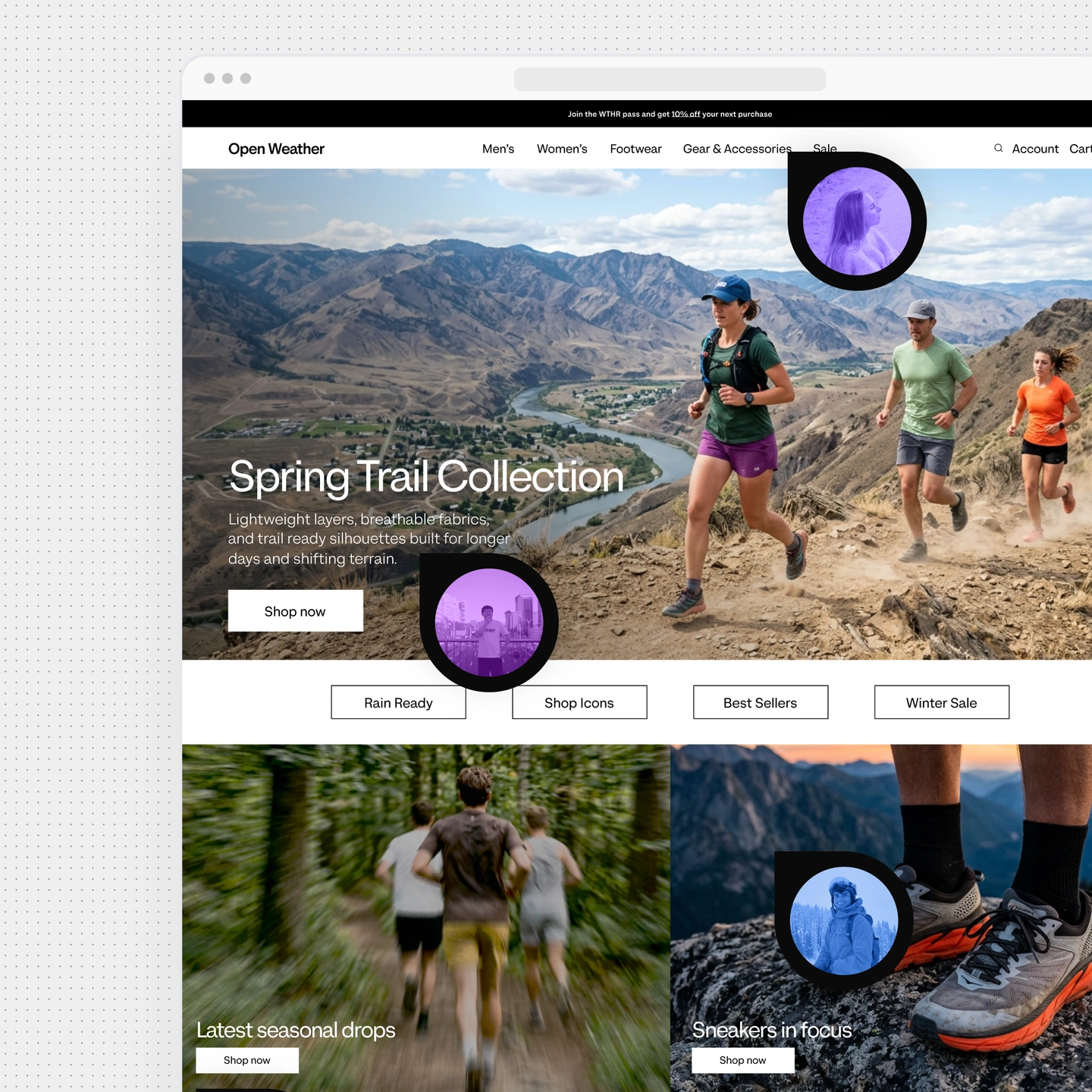
Gradial stages work for review and pauses for human approval at the checkpoints you determine.
Compare versions, comment, and request revisions before publication. Grady supports annotated Word docs, PDFs, and even spreadsheets, working seamlessly from the supplied changes.
Everything stays on brand, because you determine who reviews, who approves, and who can publish live.
Define who can manage standards, carry out tasks, and publish artifacts. Organization and workspace roles keep those responsibilities clear.
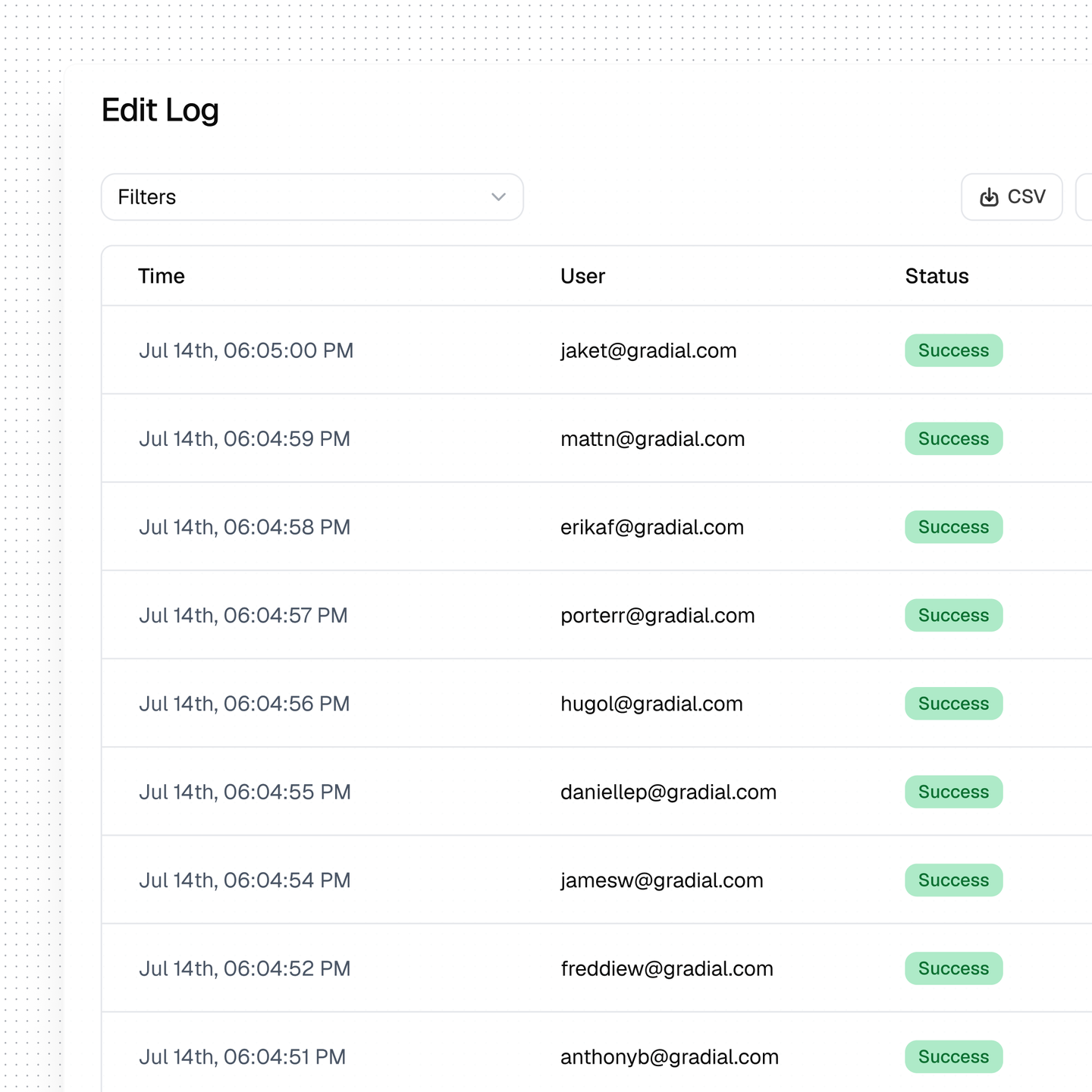
Follow the work from change to review and approval. Gradial records agent actions and human decisions, including what changed, which rules applied, who initiated the work, when it happened, and whether it was approved or rejected.
Validation history stays attached to the work. You can export content and change logs for regulatory review, filing support, or sign-off records.
No. QA findings inform review. A passing check does not provide release approval or grant publishing permission. Reports flag failed checks and identify findings that need human verification.