






Intake is only the beginning
A complete web request can still sit in a queue because the page has to be mapped, assembled, checked, reviewed, and tracked by hand.
A complete web request can still sit in a queue because the page has to be mapped, assembled, checked, reviewed, and tracked by hand.
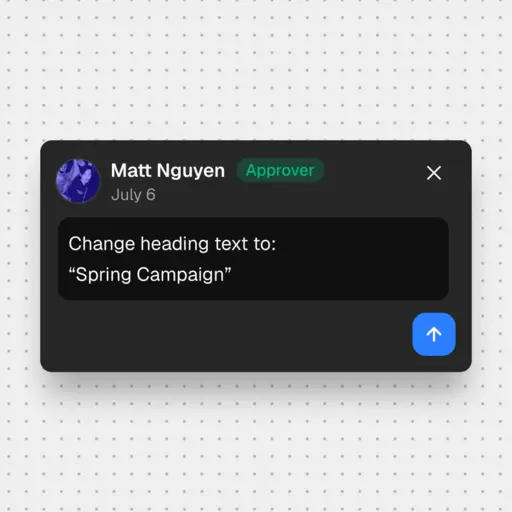
Request context, approved copy, attachments, acceptance criteria, and CMS decisions often split across the ticket and follow-up conversations.
A repeatable page build still waits for scarce authoring time even when the template and requirements are already known.
Requesters chase links and status because the ticket stops reflecting what happened once production begins.
Gradial carries the request from Jira into the connected CMS, keeps quality and approval inside the workflow, and updates the ticket as the work advances.
Gradial turns the request, approved sources, and acceptance criteria associated with the ticket into a bounded execution plan. Missing requirements are flagged for a human decision before authoring begins.
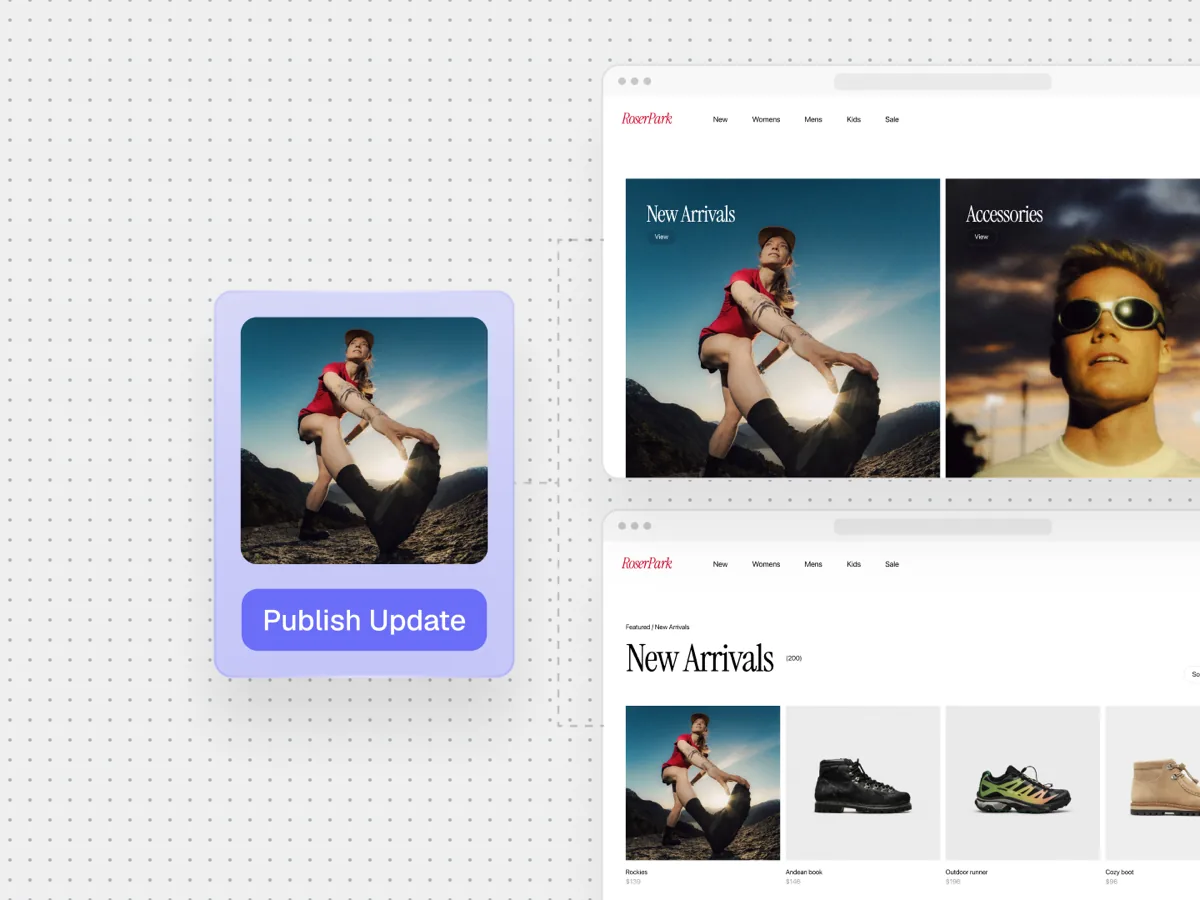
The request is mapped to the supported template, components, fields, metadata, and assets in the destination CMS.
Gradial creates the structured draft in the connected CMS rather than returning copy that someone still has to assemble by hand.
The complete draft is checked against the ticket requirements, page standards, and visible rendered result. Exceptions stay visible for review.
The requester or designated editor reviews the draft. Publication remains a separate action and does not happen without the required approval.
Where configured, Gradial keeps Jira current as the work moves through execution and review, so the ticket remains connected to the outcome.

Avalara uses Gradial in Jira to turn repeatable requests into governed CMS pages, with approvals and writeback built in.
Ticket cycle times dropped by about 35% once agents began running change tickets directly in the CMS and authors remained responsible for validation and publishing.
The university recorded a 91.4% acceptance test pass rate across 29 real-world use cases, six testers, and 105 executions.
Accessibility, brand, and quality checks ran on every change with an audit trail, so faster execution did not remove governance.
Use this workflow when the intake process is useful, but the operational queue after intake is slowing down repeatable web work.
Turn well-scoped tickets into governed CMS drafts without adding another manual authoring queue.
Keep the existing request process while reducing the gap between approved direction and a reviewable page.
Connect the ticketing and CMS systems already in place rather than replacing either one with another standalone assistant.
Gradial connects Jira intake to governed authoring in supported enterprise content management systems. The exact workflow is configured around your templates, permissions, approval policy, and release process.
AEM Sites & Assets
Bynder
Contentful
Drupal
Figma
Adobe AEP
Jira
Marketo
SFMC
Sharepoint
Sitecore
Snowflake
Wrike
Word
Workfront
Other agents/MCPs
No. Jira remains the place where the request begins and stays visible. Gradial executes the operational work the ticket describes and keeps the workflow connected to review.
Missing or conflicting requirements are surfaced before the CMS build moves forward. The workflow does not silently invent consequential product facts, proof, page structure, or approval decisions.
Publication authority stays separate from draft authoring. Your designated reviewer approves the rendered draft, and the page follows the release controls configured for the destination CMS.
Start with ticket cycle time, first-pass acceptance, rework, review time, and verified output. A public research university used 29 real-world use cases and 105 executions to validate its rollout.
Sign up for product releases, execution insights, and real-world use cases from the Gradial system of work.