



Alt text and asset metadata
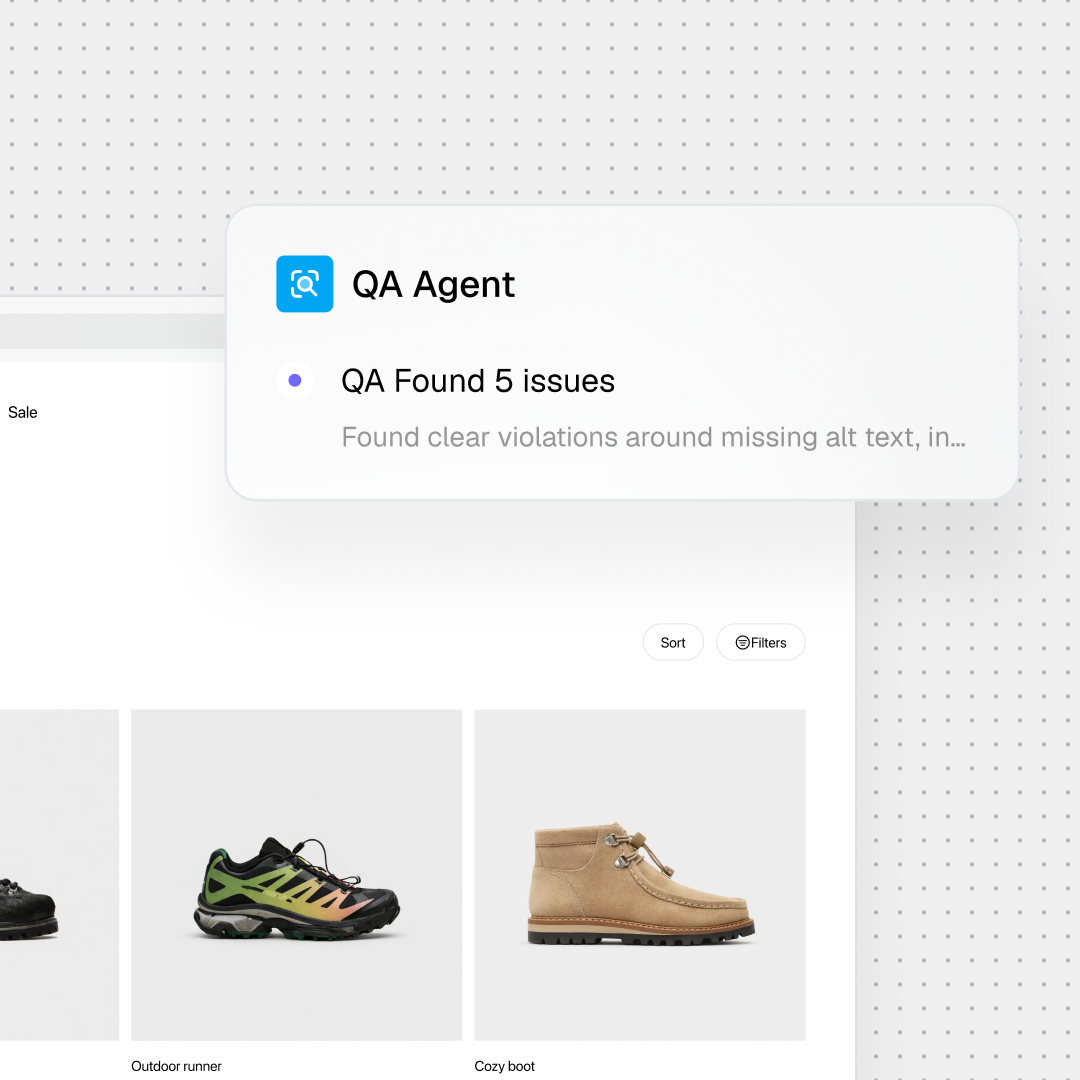
Generate and validate descriptive alt text using page and image context, then send ambiguous cases to a reviewer.
Gradial focuses on findings that can be addressed through connected content and asset systems. Issues that require design-system or application-code changes stay visible and route to the right owner.
Generate and validate descriptive alt text using page and image context, then send ambiguous cases to a reviewer.
Correct supported heading order, link text, labels, and other editable page content when the component model allows it.
Turn scanner findings, tickets, or audit worklists into trackable tasks tied to the affected pages and assets.
Flag charts, complex media, decorative-versus-meaningful image decisions, and code-level defects instead of guessing.
The workflow keeps source findings, changes, checks, and review decisions connected from intake through approval.
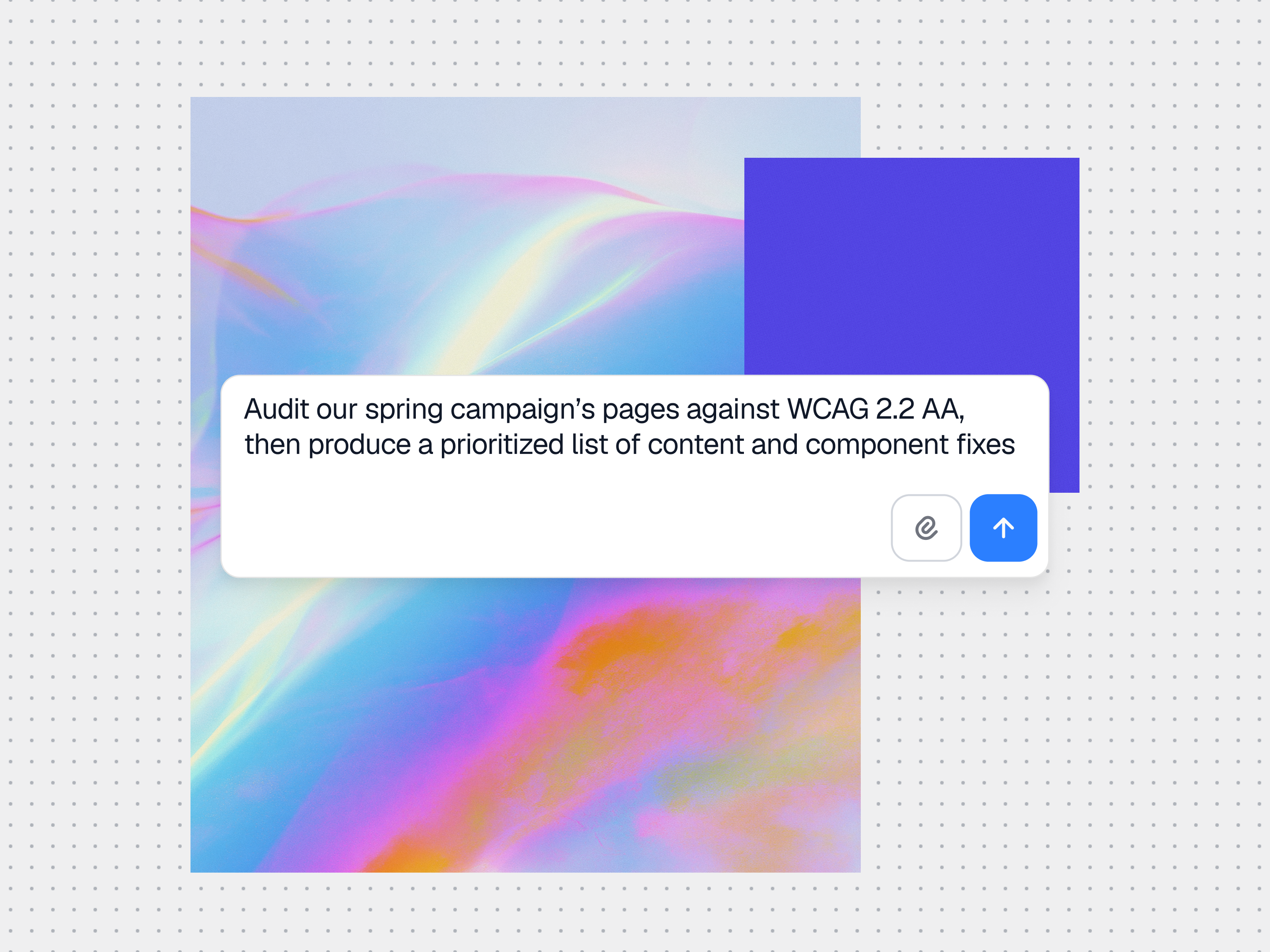
Start with a scanner export, accessibility audit, ticket, or prioritized page list. Gradial identifies the target content and connected systems.
Gradial updates alt text, heading order, link text, labels, and asset metadata directly in the connected CMS or DAM, using the existing component and authoring rules.
Accessibility checks run against the standards your organization has configured, including criteria aligned to WCAG 2.2 AA where applicable.
Your team reviews at the level of oversight it chooses. Ambiguous or unsupported findings remain open for human, design, or engineering action.
After approval, the task history records the work performed and the review outcome. Publication remains controlled by your configured workflow.
“We were drowning in change tickets, and AI search and SEO work kept adding more. Gradial cleared the backlog and made accessibility automatic, without adding people.”
Digital Experience lead
A large public research university
faster bulk content updates
faster ticket cycle times
acceptance test pass rate
Resolve alt text, heading order, link text, labels, and metadata in connected content systems while routing design-system and code-level findings to the right owner.
Your accessibility, legal, design, and engineering owners decide what passes, what needs specialist review, and what can publish.
Track the source finding, the change, and the review outcome so teams can support audits and follow-up work. Qualified advisers determine whether the record meets a specific legal or regulatory requirement.
For teams that have accessibility findings, accountable reviewers, and more remediation work than their current capacity can absorb.
Turn recurring scanner findings and content backlogs into governed work without adding another manual queue.
Apply configured controls and preserve human review for content operating in higher-risk environments.
Prioritize high-use services, route exceptions, and keep remediation work connected to accountable owners.
Gradial connects accessibility work to supported content, asset, and ticketing systems so findings can move through the same operating environment as the rest of your web work.
AEM Sites & Assets
Sitecore
Bynder
Jira
Workfront
Wrike
SharePoint
Word
Gradial uses page and image context plus your configured standards to produce and check alt text. Reviewers remain responsible for meaning, especially for charts, diagrams, complex images, and decorative-image decisions.
Sign up to receive product releases, execution insights, and real-world use cases from the Gradial system of work.