






Complete the authoring path
Gradial turns approved copy and designs into structured AEM drafts using the components, fragments, fields, and review controls your team already supports.
Gradial connects approved requests to verified AEM experiences by coordinating source content, tickets, component mapping, authoring, assets, metadata, QA, approvals, localization, and release.
Gradial turns approved copy and designs into structured AEM drafts using the components, fragments, fields, and review controls your team already supports.
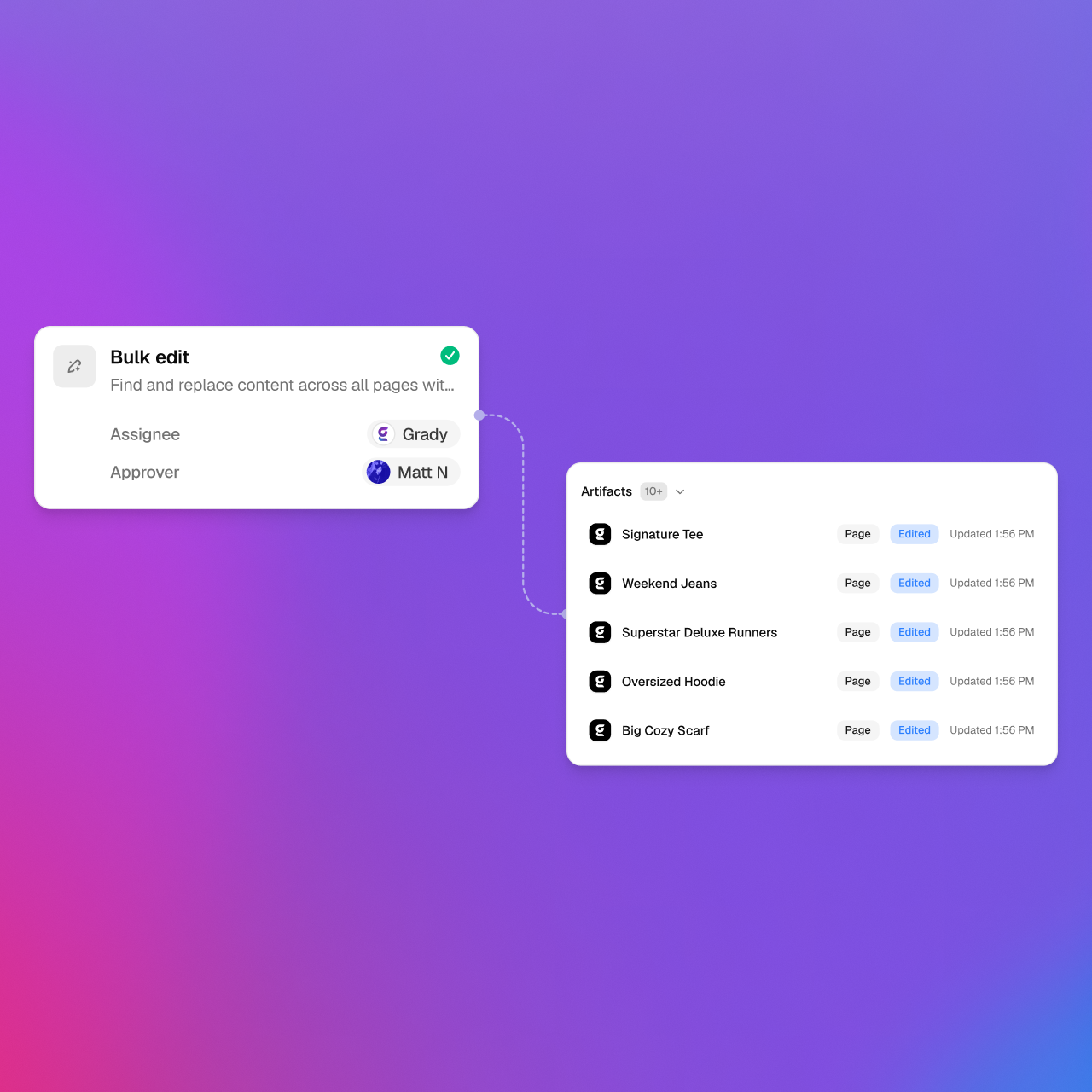
Gradial coordinates safety language, product messaging, navigation, metadata, and design updates across defined page sets while preserving structure and inheritance.
Gradial packages the source, exact change, rendered result, checks, exceptions, and release scope so approvers can focus on the decision they own.
Gradial agents use approved inputs, existing AEM structures, scoped permissions, and review gates to move high-volume content work toward a verified result.
Map approved content into Core Components, custom components, Content Fragments, Experience Fragments, and page structures already supported by the implementation.
Update structured content, metadata, links, assets, or repeated page elements while preserving versions, inheritance, and the defined scope.
Check stored content and the rendered experience, attach findings and exceptions, and route the exact release decision to an accountable reviewer.
Start with one repeatable workflow, then expand only after the sources, component rules, permissions, checks, approval points, and outcome measures are reliable.
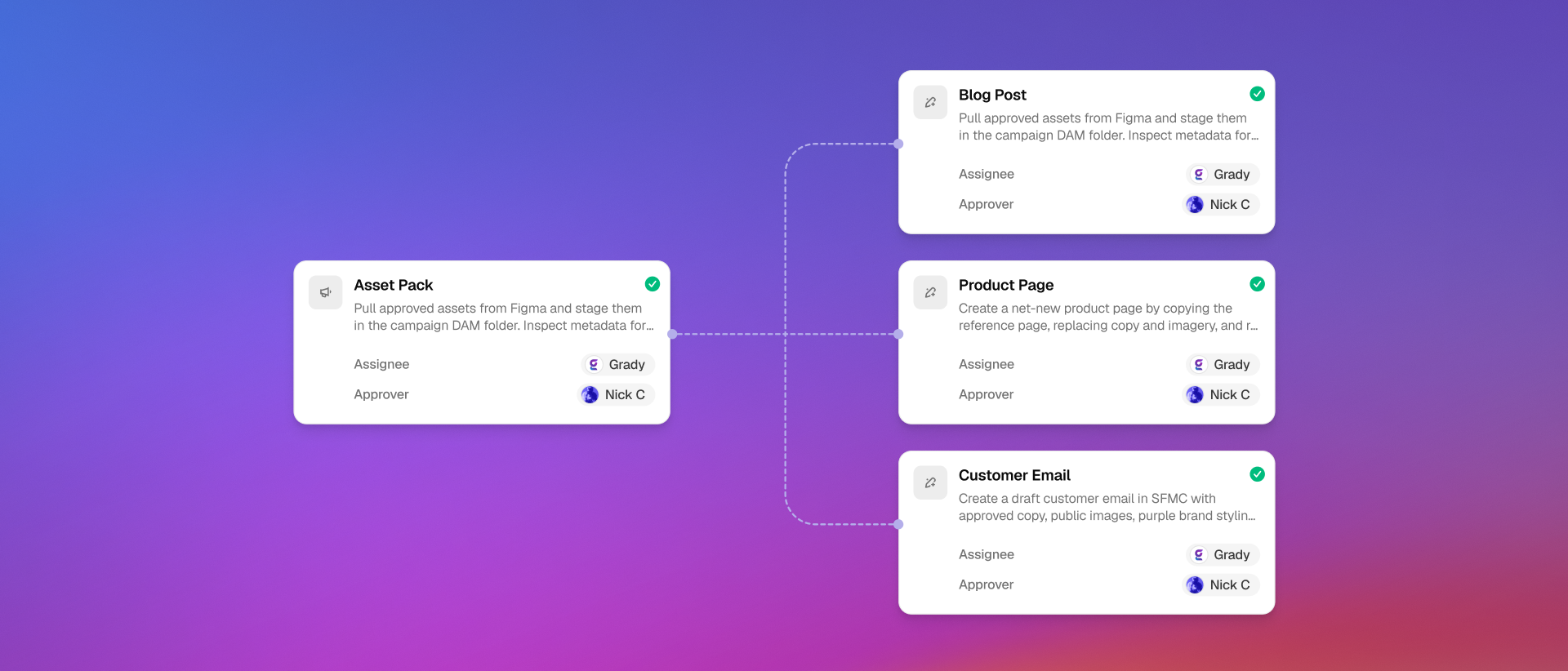
Turn briefs, tickets, copy documents, and approved designs into structured pages and updates inside AEM.
Inventory content, map source structures to the destination model, prepare reviewable batches, and verify each migrated result.
Select approved assets, maintain metadata and rights context, create governed market variants, and run content, accessibility, link, metadata, and rendering checks.
No. Gradial executes repeatable operational work within defined permissions and workflow controls. People remain accountable for strategy, creative judgment, risk acceptance, approvals, and release authority.
Gradial can use existing Core and custom components, fragments, fields, and page structures when the implementation, source, permissions, and acceptance criteria are defined.
Only within an explicitly approved release policy. Higher-risk changes should require human review, a bounded release scope, rendered proof, and a recovery path.
Coordinate AEM authoring and review with approved source content, designs, work requests, DAM assets, collaboration, analytics, and human approvals.
AEM Sites & Assets
Figma
Jira
Workfront
Wrike
Word
SharePoint
Adobe AEP
Sign up to receive product releases, execution insights, and real-world use cases from the Gradial system of work.